
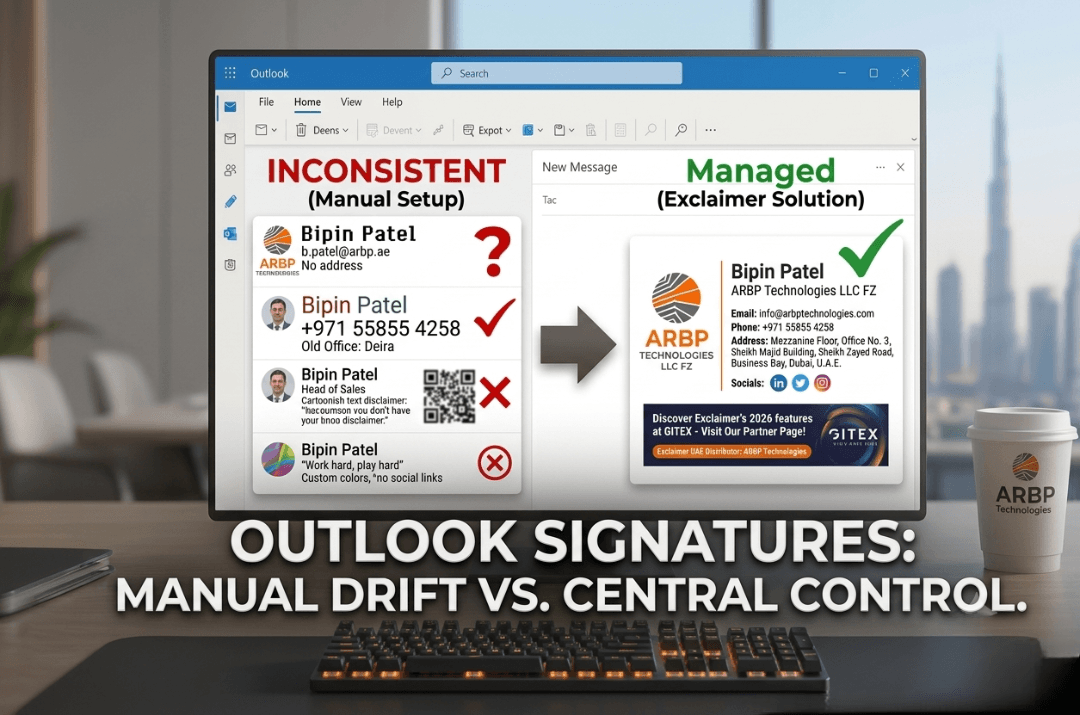
Most UAE businesses already run on Microsoft 365. Outlook, Teams and Exchange Online are the daily tools for thousands of employees. So when it comes to email signatures, many IT teams assume the job is done: "Outlook already has signatures."
It does, but having a signature feature is not the same as managing signatures across a company. If your organization has more than a handful of users, you will likely run into the problems below.
The Problem with Manual Signatures in Outlook
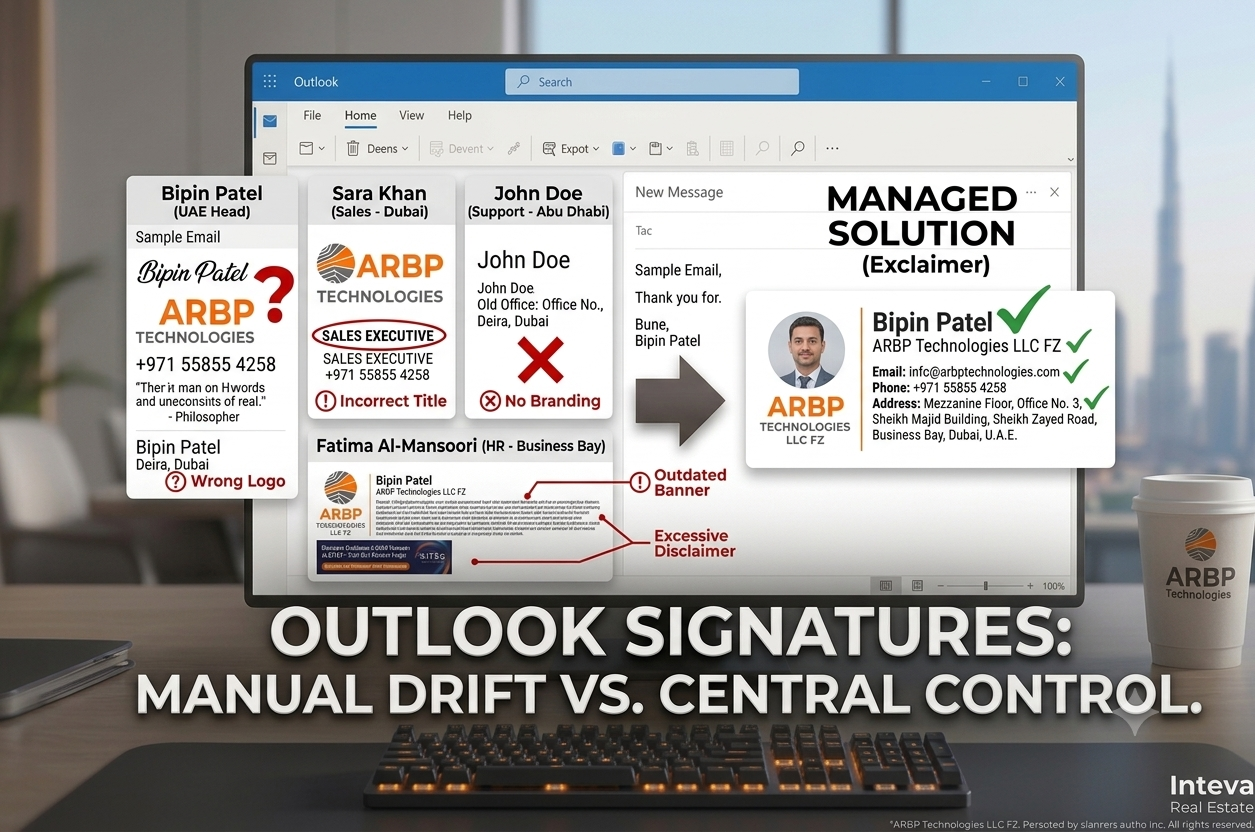
In a standard setup, each employee creates and edits their own signature. Over time, this leads to:
- Different logos and fonts: every employee email looks slightly different
- Outdated details: old phone numbers, previous job titles or a former office address
- Missing information: no disclaimer, no website, no social links
- Unapproved content: custom colors, quotes or banners that do not follow brand guidelines
- Heavy IT workload: every rebrand, office move or title change means chasing users one by one
The bigger the company, the harder it is to keep control.
Why Built-in Options Fall Short
Microsoft 365 gives administrators some tools, such as Exchange mail flow rules that can add a standard footer or disclaimer to outgoing emails. These are useful for simple text, but organizations that need more usually find limits.
| Need | Manual or built-in approach | Centralized signature management |
|---|---|---|
| Branded, designed signatures | Users build their own | Designed once, applied to everyone |
| Personal details per user | Typed by hand | Pulled from your directory data |
| Different signatures by department | Hard to maintain | Rules by department, role or location |
| Marketing banners and campaigns | Manual copy-paste | Scheduled and updated centrally |
| Consistency across devices | Depends on each user setup | Managed centrally |
| Easy updates | Ask every user | Change once, update everywhere |
The exact capabilities of Microsoft 365 change over time, so your IT team should always check the current options for your own tenant. The pattern, though, is consistent: native tools are built for basic needs, not for brand governance.
What Is Centralized Microsoft 365 Email Signature Management?
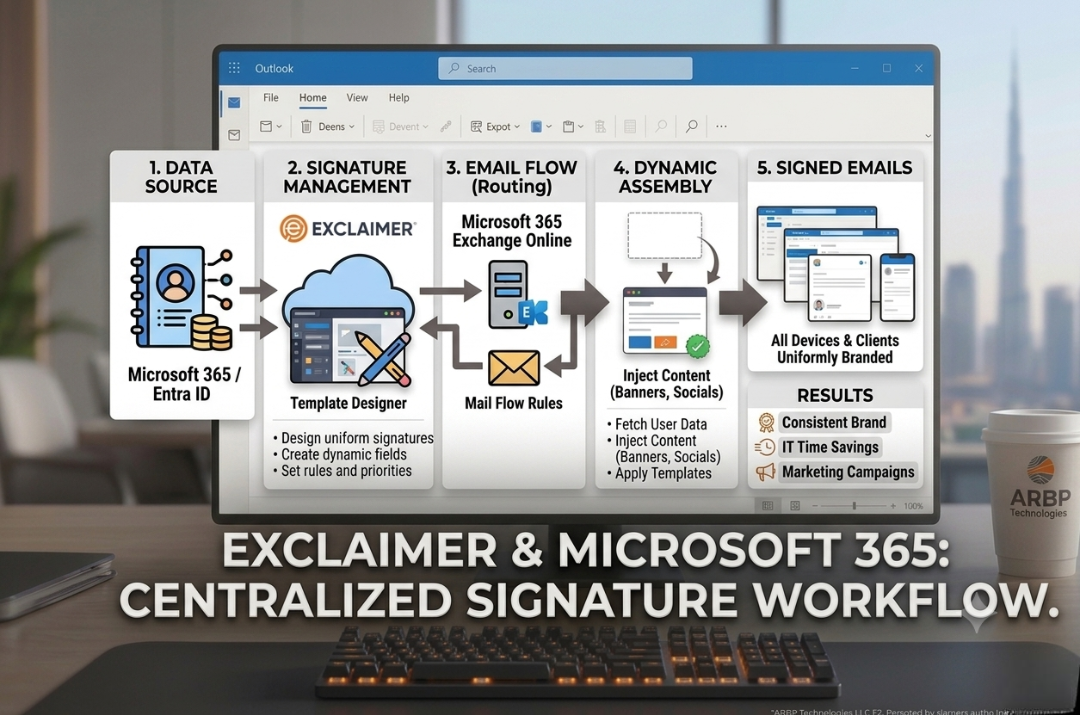
Centralized email signature management means your signatures are designed, controlled and updated from one place, not on each user computer. With a solution like Exclaimer, you can:
- Build professional, on-brand signature templates
- Pull employee details automatically from your directory, so names, titles and numbers stay accurate
- Apply different templates by department, location or role
- Add marketing banners and change them as campaigns change
- Include approved legal disclaimers
- Reduce signature requests to your IT helpdesk
Exclaimer works with Microsoft 365 and Exchange environments, and with Outlook through its add-in, so signatures can be applied consistently across the devices your teams use.
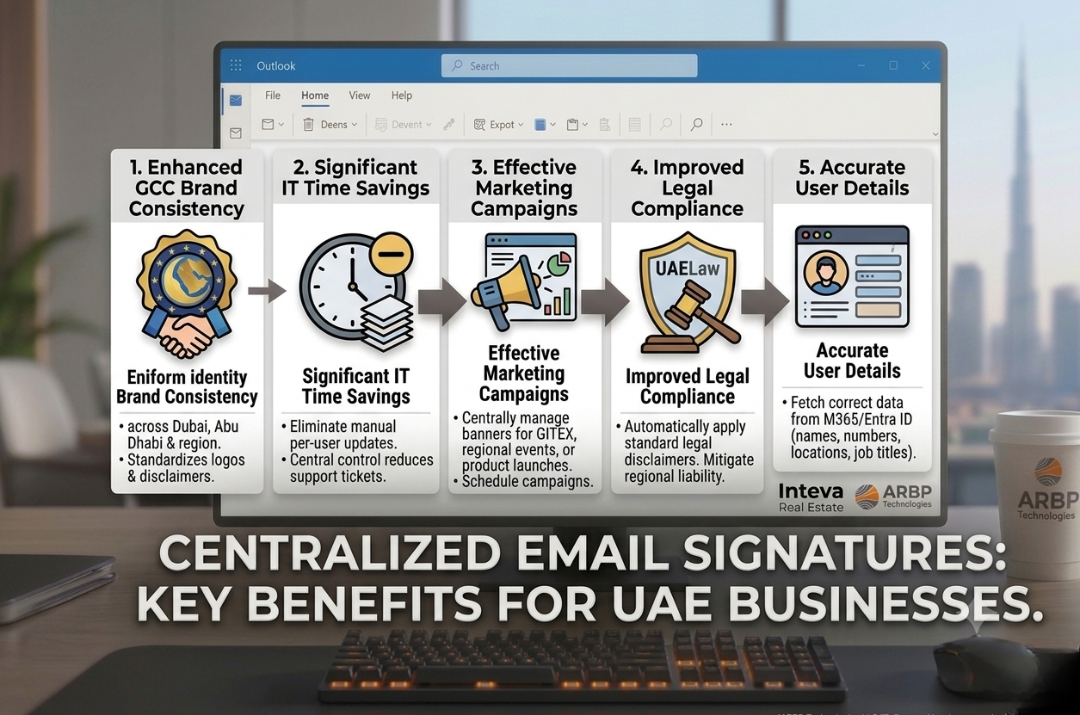
Benefits for UAE Organizations
One consistent brand
Whether the email comes from your Dubai head office, an Abu Dhabi branch or a GCC subsidiary, clients see the same professional identity.
Less work for IT
Instead of manually fixing signatures one at a time, your team updates a template once. A rebrand that once took weeks can be done in minutes.
Accurate information
When employees join, change roles or leave, details can follow your directory data instead of relying on manual edits.
A free marketing channel
Every email is a chance to promote an event, a webinar, a new service or a campaign. Change the banner centrally without asking anyone to edit their signature.
Better compliance
Standard legal wording can be applied automatically to every email, so nothing depends on individual employees remembering. Confirm the exact wording you need with your legal advisor.
Is It Right for Your Business? A Quick Checklist
Centralized signature management is likely worth considering if:
- You have more than 25 to 50 employees sending external emails
- You have multiple departments, offices or brands
- Your signatures look different from person to person
- IT regularly receives signature update requests
- You want to run campaigns through email signatures
- You need consistent legal disclaimers
- You are planning a rebrand or office change
If you matched two or more, it is worth a conversation.
How ARBP TECHNOLOGIES Helps
ARBP TECHNOLOGIES is a Dubai-based IT solutions provider and an Exclaimer distributor in the UAE. We help businesses with:
- Requirement analysis: your users, departments, locations and Microsoft 365 setup
- Template design: professional signatures that follow your brand
- Configuration and integration: connecting Exclaimer with your Microsoft 365 environment
- Testing and rollout: checking signatures before they go live
- Ongoing support: updates, changes and help when you need it
Want to learn more? Read our overview of Exclaimer Email Signature Management in UAE, and see what is new in Exclaimer 2026 features. You can also visit our Exclaimer partner page.
Frequently Asked Questions
Can I just create one signature in Outlook and share it with everyone?
You can share a template, but each user then edits and maintains their own copy. Details drift, formatting breaks, and updates still need to be done one user at a time.
Does Exclaimer work with Microsoft 365?
Yes. Exclaimer supports Microsoft 365 and Exchange environments, and also supports Google Workspace.
Will employees still be able to edit their signatures?
That is up to your administrator. Exclaimer lets you control which details users may edit, such as a mobile number, while locking the design and branding.
Can different departments have different signatures?
Yes. You can set rules by department, role, location or other criteria.
Do I need to replace my email system?
No. Exclaimer works alongside your existing Microsoft 365 setup.
How long does setup take?
It depends on your size and requirements. Contact us for a plan based on your environment.
Ready to Take Control of Your Email Signatures?
If your signatures are inconsistent, outdated or taking up IT time, it is a good moment to look at a centralized approach. Talk to our team about your Microsoft 365 environment.
ARBP TECHNOLOGIES LLC
Phone: +971 55855 4258
Email: info@arbptechnologies.com
Dubai Office: Mezzanine Floor, Office No. 3, Sheikh Majid Building, Sheikh Zayed Road, Business Bay, Dubai, U.A.E.

Need Expert Technology Support?
Looking for Exclaimer, Microsoft 365, Google Workspace or enterprise technology solutions for your organization? Talk to ARBP TECHNOLOGIES.
Contact Us →